
PLC Requirements
For Siemens PLC components, send the complete CPU or module MLFB exactly as shown on the product label. If compatibility needs to be confirmed, also include the installed CPU, rack and module position.
Siemens parts RFQ
Send the Siemens MLFB or model, quantity, required condition and destination for an availability check, dispatch confirmation and quotation.

Direct channel
Email the complete Siemens MLFB or model, quantity, required condition and destination. Add equipment context when the request involves compatibility or a possible alternative.
Request Type Details
Send the complete Siemens MLFB or part number, required quantity, preferred condition and destination. Add a clear nameplate photo if any character is uncertain. Availability, price and lead time are confirmed for the specific request.
For Siemens PLC components, send the complete CPU or module MLFB exactly as shown on the product label. If compatibility needs to be confirmed, also include the installed CPU, rack and module position.
You can submit one part number or a multi-line bill of materials (BOM). List each reference and quantity separately, then add the preferred condition, destination and any documentation needs.
Your quotation is based on the submitted Siemens MLFB or part number and quantity. It confirms the available product condition, price and applicable commercial terms for that request.
Send the request by email or use the published WhatsApp link when available. Include the same model, quantity and destination information so the sales request is complete.
Three-step request
Start with the part identifier, add the required quantity, then provide a business email and any order notes.
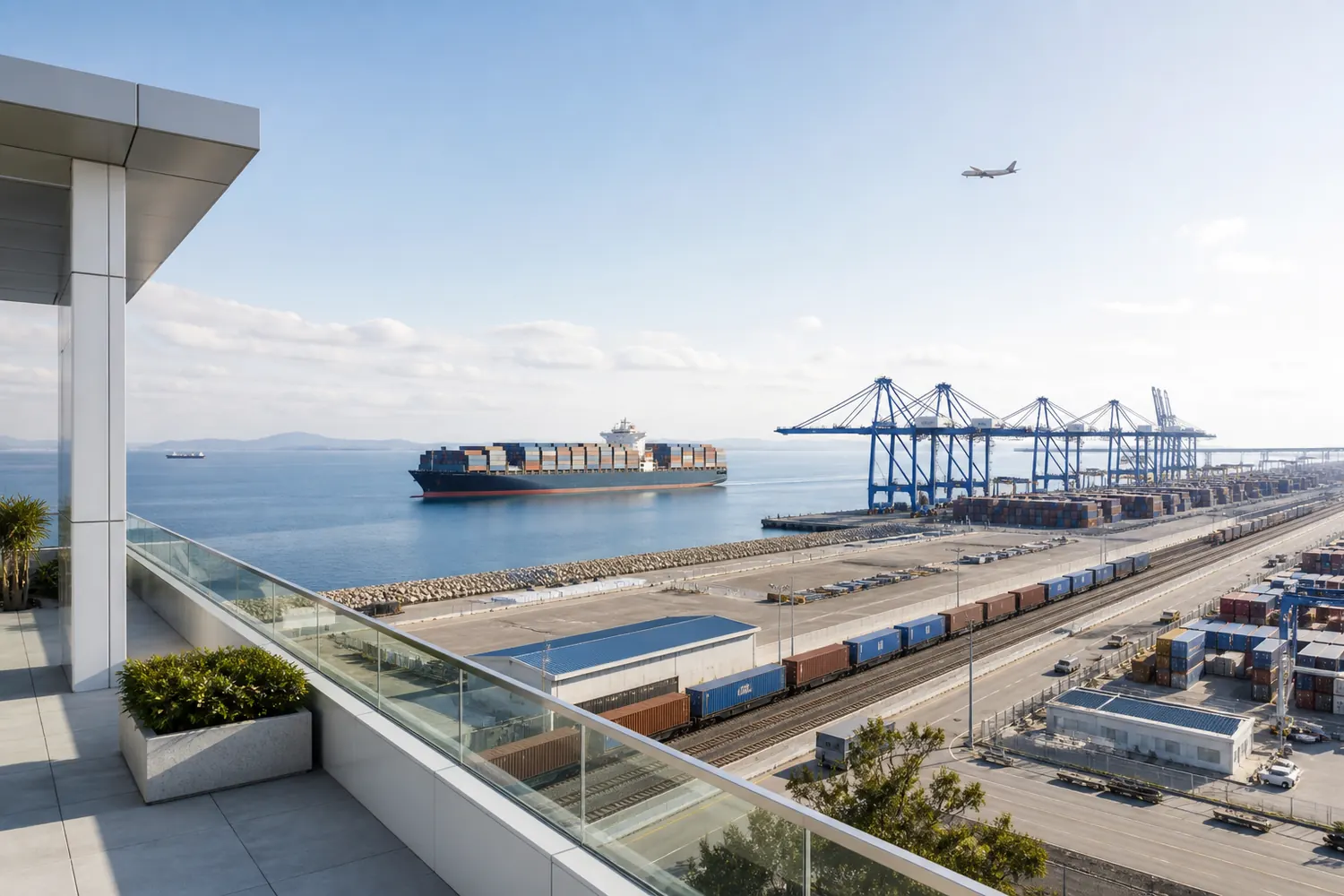
International coordination
International shipment requests can include destinations across the regions below. Route availability, carrier choice, transport responsibility and applicable trade terms are confirmed for the specific quotation.
Destination FirstInclude the destination country or region so transport information can be prepared with the quotation.
From request to dispatch
Keep the same part numbers, quantities and destination in the RFQ, quotation and order documents.

Send the model, quantity, condition requirement and destination.
The quotation should specify the products offered, quantities, prices, and applicable commercial terms.
The proforma invoice records the agreed references, quantities and terms.
Identifiers and order details are checked against the confirmed PI.
Packing is selected for the item and agreed transport route.
Carrier and tracking information are shared when available.
Form guidance
Field-specific answers for buyers preparing a Siemens automation parts request.
Enter the complete Siemens MLFB, model or order reference shown on the component. Put any additional identification details in the message field.
The destination affects transport options and commercial terms. Add the country or region in the message field for the initial quotation.
Use the message field for the required condition and any packaging, compatibility or documentation notes relevant to the request.
No. A valid email is required, while company name and WhatsApp are optional contact details.
The submitted model, quantity and destination are used to prepare the response. You will receive either a quotation or a request for any missing information by email.