Siemens PLC technical support starts with a complete equipment record. Send the Siemens MLFB (order number), installed CPU or rack, displayed fault code and a short description of the machine condition. This information supports product identification and a relevant quotation response; it does not confirm a replacement or system compatibility.
01
Controller Record
The Siemens PLC troubleshooting resources are most effective at recording CPU classification, module codes, indicator light status, and fault information. Please upload clear photos of the nameplate and diagnostic screen if available.
02
Nameplate Data
To identify Siemens PLC by MLFB, copy the complete code from the product label, including suffixes. Add the rack position and connected module when the request concerns fit, communication or replacement planning.
03
Drive Record
For a SINAMICS drive question, send the complete MLFB, rated power, displayed fault code and operating condition at the time of the fault. The same code can have different causes in different drive configurations.
04
Panel Record
For an HMI issue, send the panel MLFB, hardware version, controller model and communication interface. State whether the issue concerns power, display, touch input, project transfer or network communication.
05
Compatibility Details
To confirm PLC compatibility, provide the current CPU, rack, hardware or firmware version, communication interface and proposed module MLFB. Compatibility must be confirmed against applicable product documentation and the supplied system context.
These details support product identification and quotation preparation. They do not replace machine-level diagnosis by qualified site personnel. Isolate equipment safely before inspecting labels or connections.
Six stages
Ordering Process
Use the same model and order references in the RFQ, quotation, proforma invoice and shipment records.
01
Send Inquiry
02
Receive Quote
03
Confirm PI
04
Product Inspection
05
Protective Packing
06
Arrange Transport
Process Details
See what information is required at each stage, what documents are provided and which order details must be confirmed before shipment.
01
Send Inquiry
Submit the model, quantity and destination through the RFQ form, or send a detailed request by email.
You provide
The form accepts Product Model, Quantity, Company Name, Email, WhatsApp and Message. For email requests, add the brand, complete part number or Siemens MLFB, specifications, destination and clear product or nameplate photos when available.
We provide
We use the supplied information to identify the requested item and prepare the commercial response. Missing identifiers or destination details may require an additional question before pricing can be completed.
02
Receive Quote
Prepare a quotation based on the submitted model, quantity, conditions, and destination.
You provide
Check the model, quantity, stated condition, destination and requested timing. Reply with any change before confirming the order.
We provide
The quotation states the price and commercial terms applicable to the specific request. Availability, lead time and shipping basis are confirmed for that quotation rather than assumed from a general product page.
03
Confirm PI
After the quotation is accepted, a proforma invoice (PI) records the agreed products and transaction details.
You provide
Confirm the company name, billing details, shipping destination, models, quantities and payment information shown on the PI before payment.
We provide
If an agreed detail changes, a revised PI is issued so both parties work from the same written order information.
04
Product Inspection
Before packing, the order is checked against the identifiers, quantity and stated condition recorded for the transaction.
You provide
State any required condition, documentation or agreed inspection point before PI confirmation so it can be included in the transaction terms.
We provide
Model labels, visible condition and count are checked against the confirmed order. Functional testing or additional documentation is handled only when agreed and applicable to the item.
05
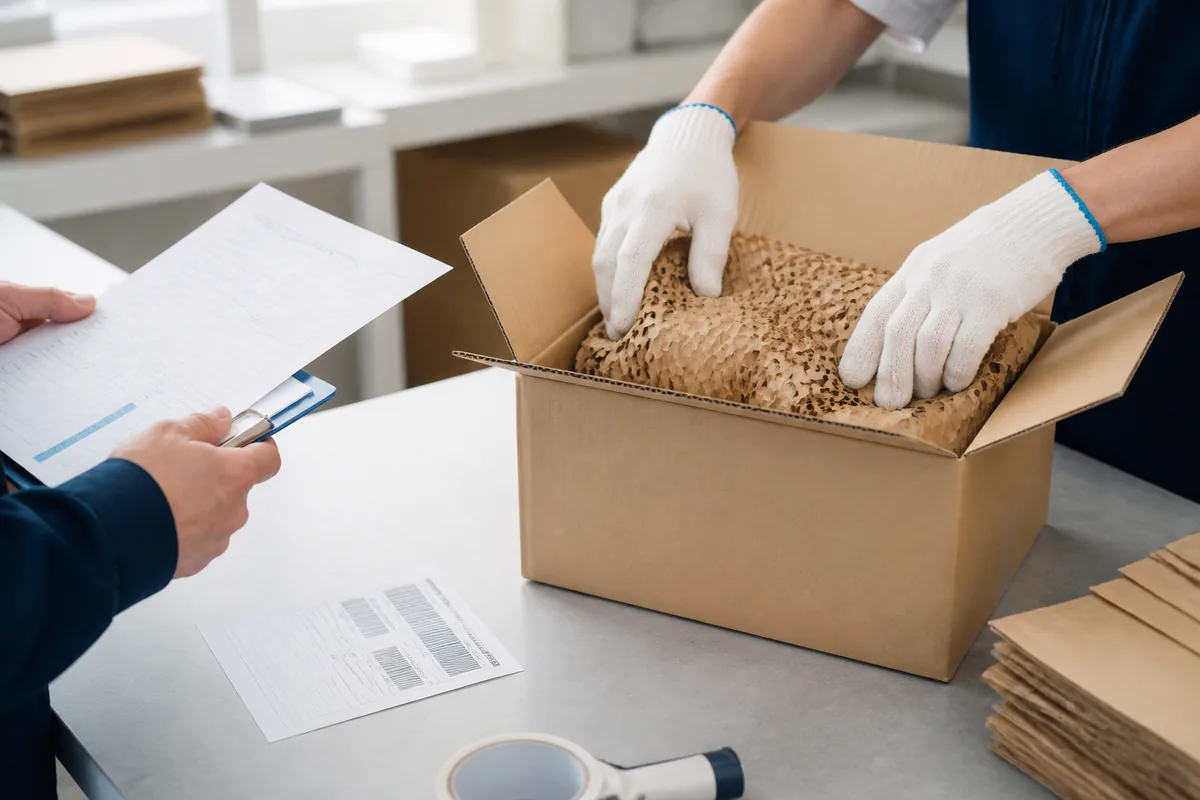
Protective Packing
Packing requirements depend on the item type, order size and transport route.
You provide
Tell us before quotation if the order has special carton, pallet, labeling or consolidation requirements.
We provide
Suitable inner protection, cushioning and outer cartons are used for the confirmed shipment. Electrostatic and moisture protection are added when required by the item and shipping conditions.
06
Arrange Transport
The transport method is confirmed from the destination, shipment size, requested timing and agreed trade terms.
You provide
Confirm the receiving contact, destination details and any delivery restrictions before dispatch.
We provide
Carrier details, the estimated schedule and available tracking information are supplied for the shipment. Customs duties and local charges follow the confirmed trade terms and destination rules.
Packing materials are chosen for the item and transport route, while shipment records document the confirmed order and dispatch details.
Before dispatch
Quality Controls
The confirmed PI is the working reference for product identity, quantity, stated condition, packing and delivery details.
Identity Match
Product labels and order identifiers are checked against the confirmed line items.
Condition Match
Visible condition and quantity are checked against the stated order requirements.
Packing Method
Inner protection and outer packing are selected for the item and shipment route.
Dispatch Record
Carrier and available tracking details are connected to the confirmed transaction.
After arrival
After-Sales Support
Keep your transaction and shipment records. If an issue arises after delivery, send the quotation, PI, tracking details and clear photos of the package and item.
01
Order Questions
Send the PI number and identify the affected line item for document, quantity or transaction questions.
02
Delivery Issues
Keep all packaging and provide clear photos of the carton, labels, inner protection and delivered condition.
03
Next Action
The next action depends on the supplied evidence, shipment records and agreed order terms.
Helpful recordsPI number · model or MLFB · tracking reference · carton and label photos · description of the issue
Transaction information
Buyer Questions
These answers cover PI confirmation, agreed inspection points, shipment arrangements and the records needed after delivery.
The PI is prepared after you accept the quotation and confirm the order details. Check the buyer information, products, quantities, destination and payment instructions before proceeding.
Can the PI be changed before payment?
Yes. Send the requested change before payment so a revised PI can replace the previous version and keep the transaction details consistent.
Which inspection details can be agreed for my order?
You may state required identifiers, condition, quantity, documentation and applicable test requirements before PI confirmation. The quotation will state which inspection points can be provided for the requested item.
Can several line items ship in one consignment?
Whether items can ship together depends on availability, package size, destination and timing. The agreed shipment arrangement should be stated in the quotation or proforma invoice.
What should I keep if a package arrives damaged?
Keep the outer carton, labels, inner packing and delivered items. Take clear photos before discarding anything, then send the PI number, tracking reference and damage details as soon as possible.
Which records should I retain after delivery?
Keep the quotation, confirmed PI, payment record, packing list, tracking information and delivery photos. These records help connect any later question to the correct transaction.
Start the process
Send Your RFQ
Enter the product model, quantity, business email and message. Add the required condition, destination and any compatibility question.