
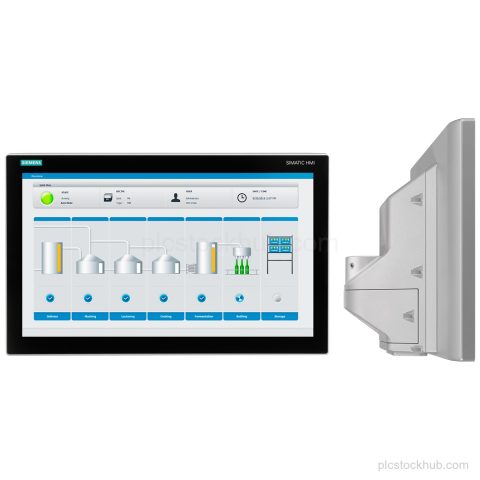
6AV2124-0QC24-0BX0
Siemens 6AV2124-0QC24-0BX0 TP1500 Comfort PRO HMI panel with 15.6 in TFT display, PROFINET and MPI/PROFIBUS DP interfaces, and support arm…

Product Category
SIMATIC HMI panels and accessories provide operator control and process visualization for machines, lines and control rooms. Panel family, screen size, interface and software generation determine fit.
Category Results
48 listed products
Siemens 6AV2124-0QC24-0BX0 TP1500 Comfort PRO HMI panel with 15.6 in TFT display, PROFINET and MPI/PROFIBUS DP interfaces, and support arm…
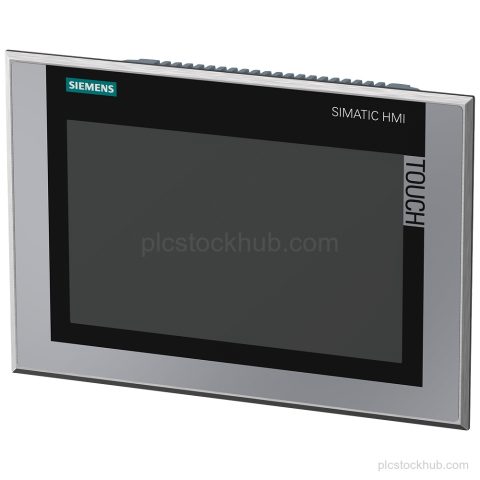
Siemens 6AV2144-8JC10-0AA0 TP900 Comfort INOX with 9 in TFT display, PROFINET and MPI/PROFIBUS DP interfaces, 24 V DC supply, and…
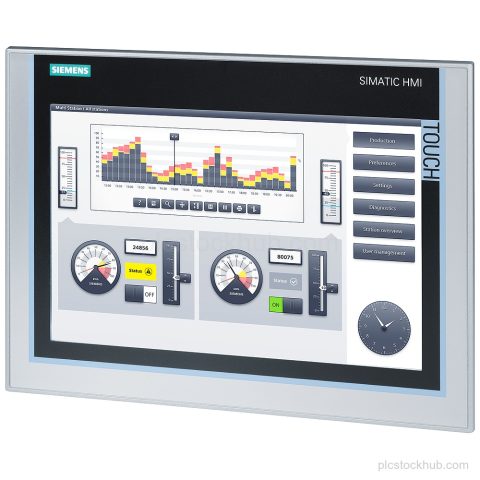
Siemens 6AV2124-0MC01-0AX0 TP1200 Comfort HMI panel with 12.1 in TFT display, PROFINET and MPI/PROFIBUS DP interfaces, 24 V DC supply,…
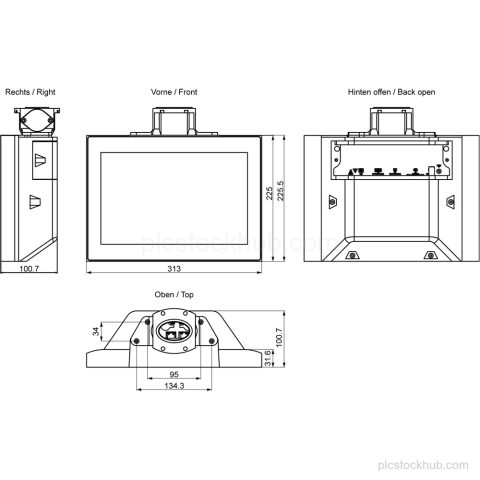
Siemens 6AV2124-0MC24-0AB0 is a SIMATIC HMI TP1200 Comfort PRO panel with 12.1 in touch display, PROFINET and PROFIBUS interfaces, 24…
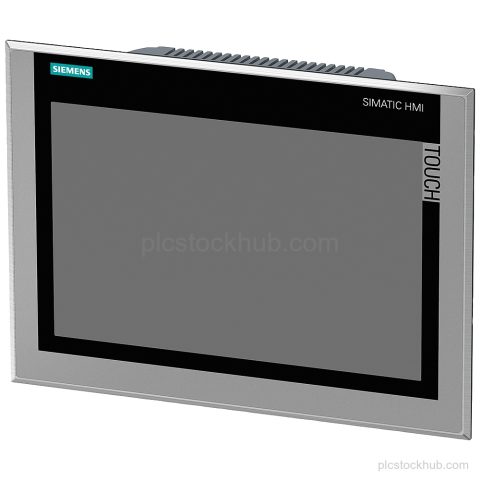
Siemens 6AV2144-8MC10-0AC0 TP1200 Comfort INOX HMI with 12.1 in TFT display, PROFINET and MPI/PROFIBUS DP interfaces, and IP66K front protection.…
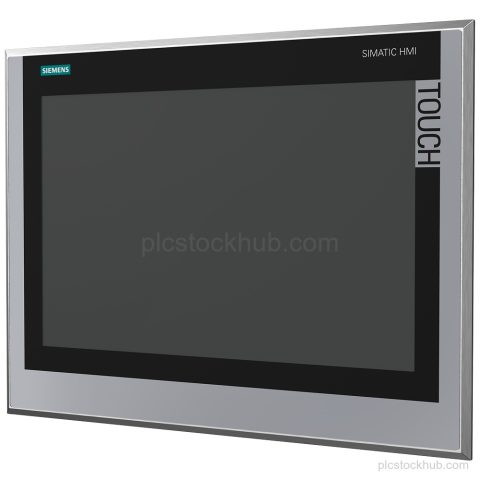
Siemens 6AV2144-8QC10-0AA1 TP1500 Comfort INOX HMI with 15.4 in TFT display, PROFINET and MPI/PROFIBUS DP interfaces, and start of final…
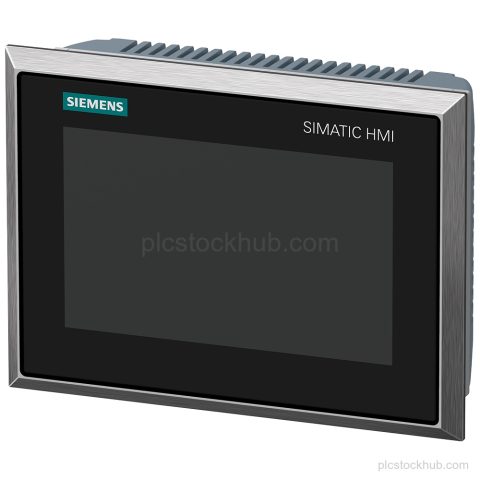
Siemens 6AV2144-8GC20-0AA0 SIMATIC HMI TP700 Comfort INOX PCT with 7 in capacitive touchscreen, PROFINET and MPI/PROFIBUS DP interfaces. Check stock…
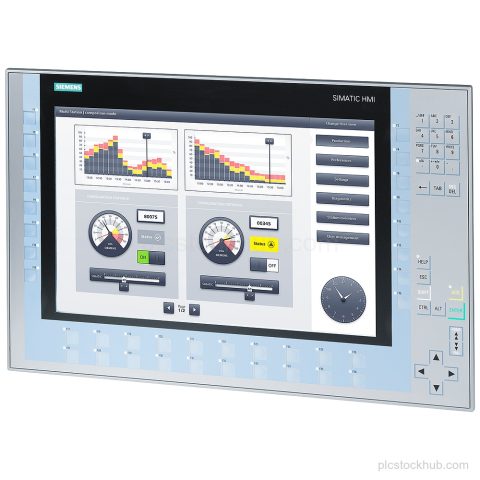
Siemens 6AV2124-1QC02-0AX1 KP1500 Comfort HMI panel with 15.4 in TFT, PROFINET, MPI/PROFIBUS DP, and product phase-out status for stock or…
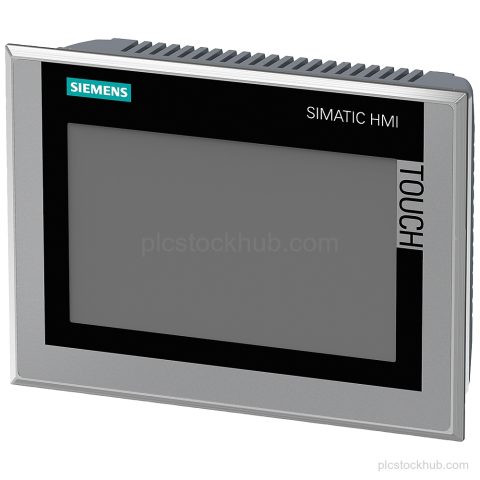
Siemens 6AV2144-8GC10-0AA0 is a TP700 Comfort INOX HMI panel with a 7 in TFT display, PROFINET and MPI/PROFIBUS DP interfaces,…
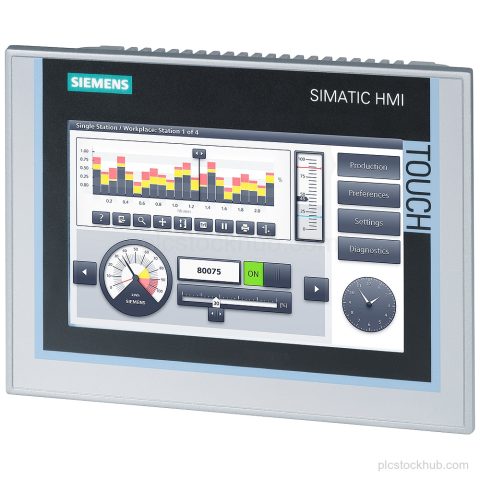
Siemens 6AV2124-0GC01-0AX0 TP700 Comfort panel with 7 in TFT display, PROFINET and MPI/PROFIBUS DP interfaces, and 24 V DC supply.…
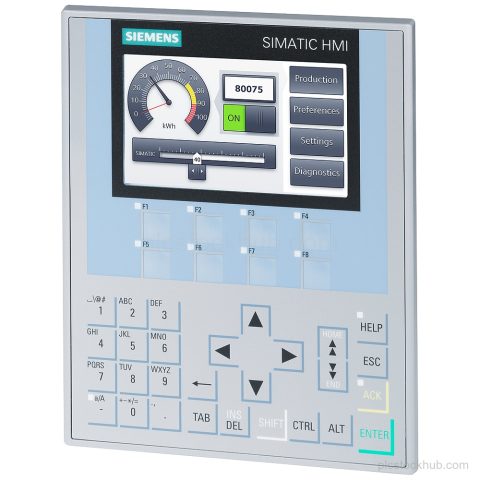
Siemens 6AV2124-1DC01-0AX0 KP400 Comfort HMI with key operation, 4.3 in TFT display, PROFINET and PROFIBUS DP interfaces, and 24 V…
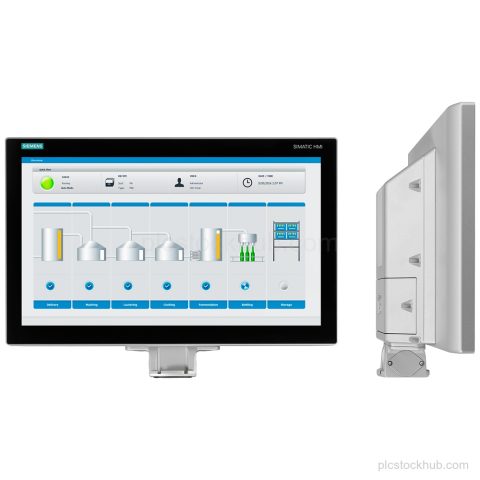
Siemens 6AV2124-0QC24-1AX0 is a SIMATIC HMI TP1500 Comfort PRO with 15.6 in TFT touch display, PROFINET and PROFIBUS DP interfaces,…
RFQ to Delivery
The same product identifier stays connected to the quotation, order terms and delivery plan.
Send the complete Siemens MLFB or part number, required quantity, condition requirement and destination.
The requested identifier and any system information needed for the quotation are confirmed.
The quotation states availability, price, condition and the applicable lead time.
Purchase details and delivery terms are agreed before order processing.
Packing and dispatch follow the terms confirmed for the order.

Purchase Support
Practical answers for procurement teams and maintenance personnel preparing a Siemens parts request.
Send the complete Siemens MLFB or part number, required quantity and destination. Add the required condition when it matters to the purchase.
Yes. Include the complete MLFB and quantity. For compatibility questions, also provide the current PLC, rack or communication interface.
Availability is confirmed for the submitted identifier and quantity, then stated in the quotation with the applicable lead time.
Compatibility can be confirmed only when sufficient system and product information is available. Include the installed model and relevant interface details.
The quotation states the lead time and delivery terms that apply to the requested quantity and destination.