
Siemens Product

6AV6881-0AF21-0LC0

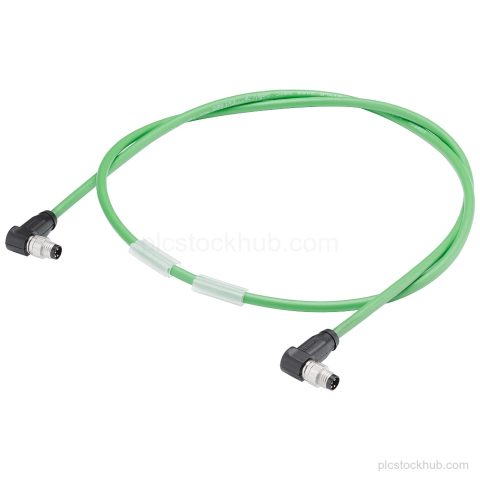
Siemens 6AV6881-0AF21-0LC0 is a Connecting cable USB with USB 2.0 Typ x IP67 to Typ A IP20, 2.5 m length and Active Product lifecycle. Check stock or spares by exact order number.

Product Record

6AV6881-0AF21-0LC0

Siemens 6AV6881-0AF21-0LC0 is a Connecting cable USB with USB 2.0 Typ x IP67 to Typ A IP20, 2.5 m length and Active Product lifecycle. Check stock or spares by exact order number.

Product 6AV6881-0AF21-0LC0
Supply Status in stock
Product Category HMI Accessory Stock
Quote Terms Confirmed by RFQ
Product Code
6AV6881-0AF21-0LC0
Dimensions
20.6 × 16.7 × 2.7 cm
Weight
0.11 kg
Lifecycle
Active Product
Availability
in stock
Lead Time
Confirmed with quotation
Product Attachment
Download Datasheet

The quotation will state the offered condition, price and estimated lead time for the requested model and quantity.

Technical Content

Product Details

Technical Summary

Product type designation Connecting cable USB
Connection type USB; Yes; USB 2.0 Typ x IP67 to Typ A IP20
Degree and class of protection IP (all-round); On the female side up to IP65 screw connection, then IP20
Product lifecycle Active Product
Scope of supply 1 USB cable

Applications

USB interface connection

For connecting a USB 2.0 Typ x IP67 interface to a Typ A IP20 interface.

Key Features

Connecting cable USB

Product type designation: Connecting cable USB.

USB 2.0 interface

Connection type: USB 2.0 Typ x IP67 to Typ A IP20.

2.5 m cable length

Length: 2.5 m.

Active Product

Product lifecycle: Active Product.

IP67 to IP20 protection detail

Female side up to IP65 screw connection, then IP20.

Frequently Asked Questions

What is Siemens 6AV6881-0AF21-0LC0?

It is a Connecting cable USB.

What connection types does 6AV6881-0AF21-0LC0 use?

USB 2.0 Typ x IP67 to Typ A IP20.

What is the cable length of 6AV6881-0AF21-0LC0?

The length is 2.5 m.

What is the product lifecycle status of 6AV6881-0AF21-0LC0?

Product lifecycle: Active Product.
RFQ Details

Request Quote

Send the exact model, required quantity and destination. Add the required condition or technical question in the message.

  • Complete model or MLFB
  • Required quantity and condition
  • Destination and delivery requirement

Product RFQ

Request a Quote